Industry
AI Startup / Web Browser / Productivity Tools
Client
Kaba Labs
Designing the Future of Web-Based Operating Systems

Overview
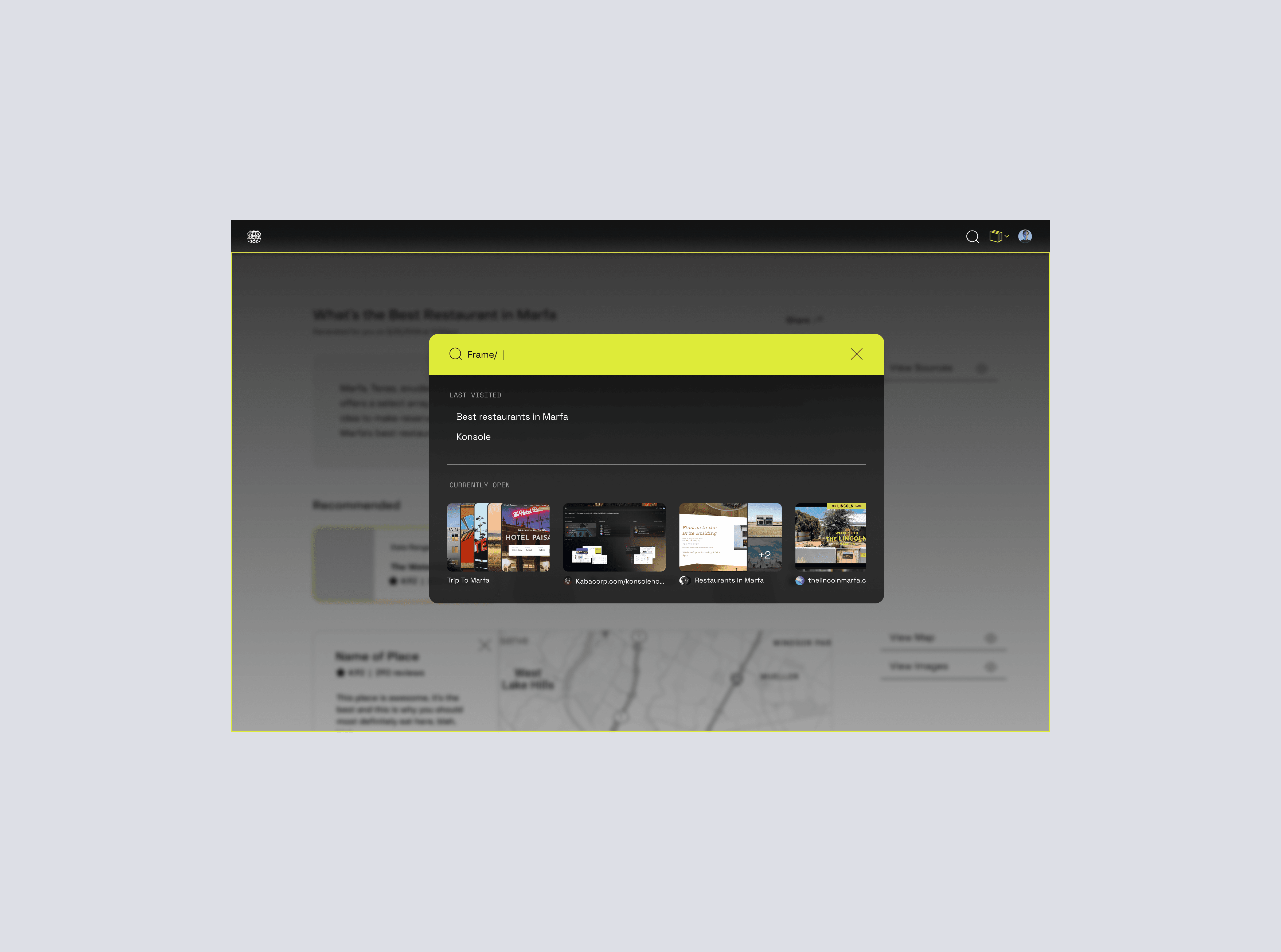
Kaba is an AI-powered web browser exploring how a personalized language model could transform the browser into a system for organizing and returning to information over time. Rather than treating browsing as a series of isolated tabs and sessions, Kaba aimed to support how people naturally move between tasks, roles, and contexts across days and weeks. I worked on shaping the product direction for an early-stage MVP, focusing on how AI could extend familiar browser behaviors while introducing new ways to structure, revisit, and interact with information. The goal was not to replace existing patterns, but to evolve them into a more adaptive and persistent system.
My Role
Partnered with founders to define MVP scope, aligning the team on product direction before a single screen was designed.
Led experience strategy and information architecture, establishing the structural foundation for how the product would organize and surface information.
Designed core interaction patterns around a central user behavior — how people capture, organize, and return to information over time.
Contributed to a UI component library to bring consistency to the experience and lay the groundwork for future scalability.
Created high-fidelity prototypes to pressure-test product decisions and support early validation with stakeholders.
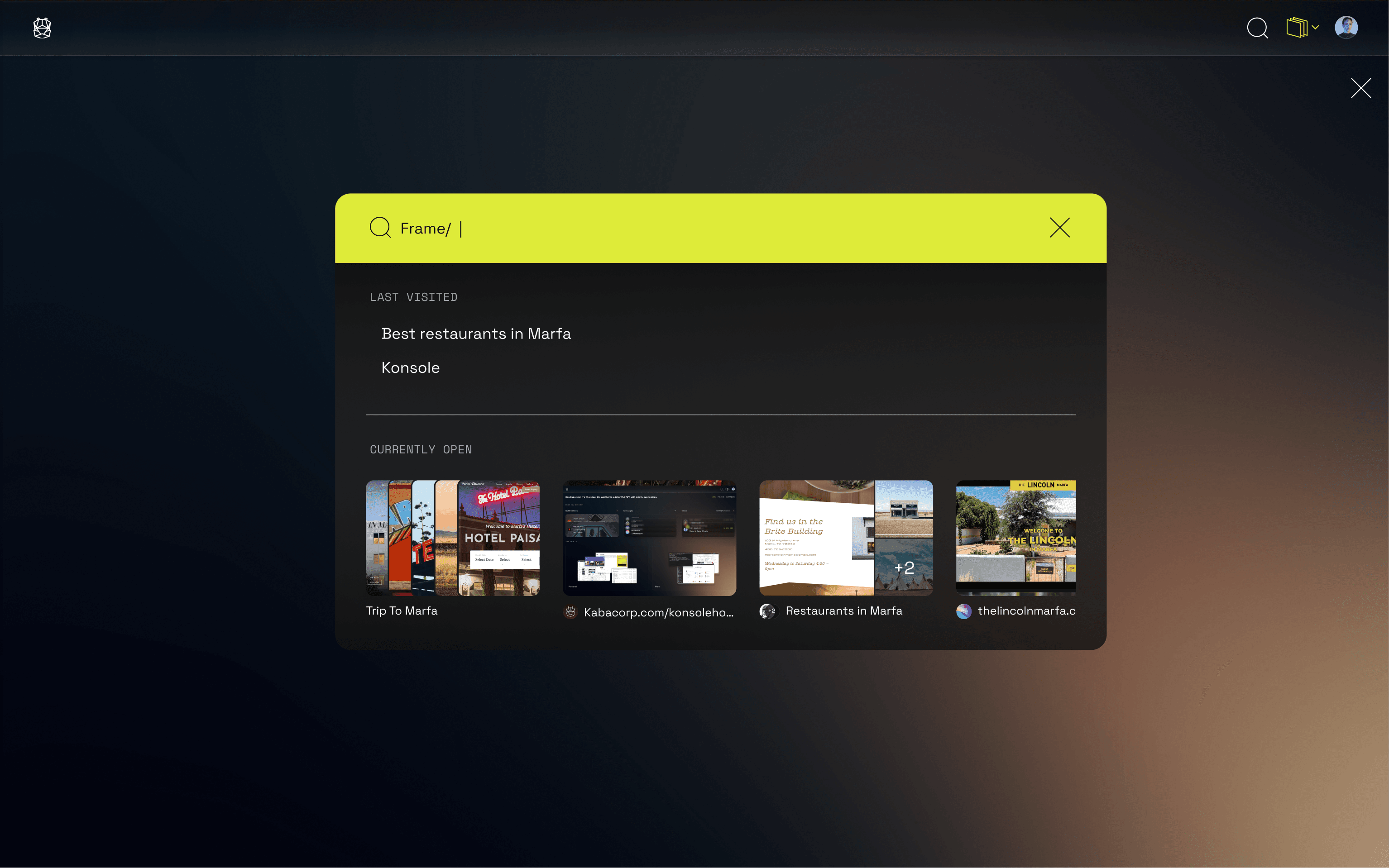
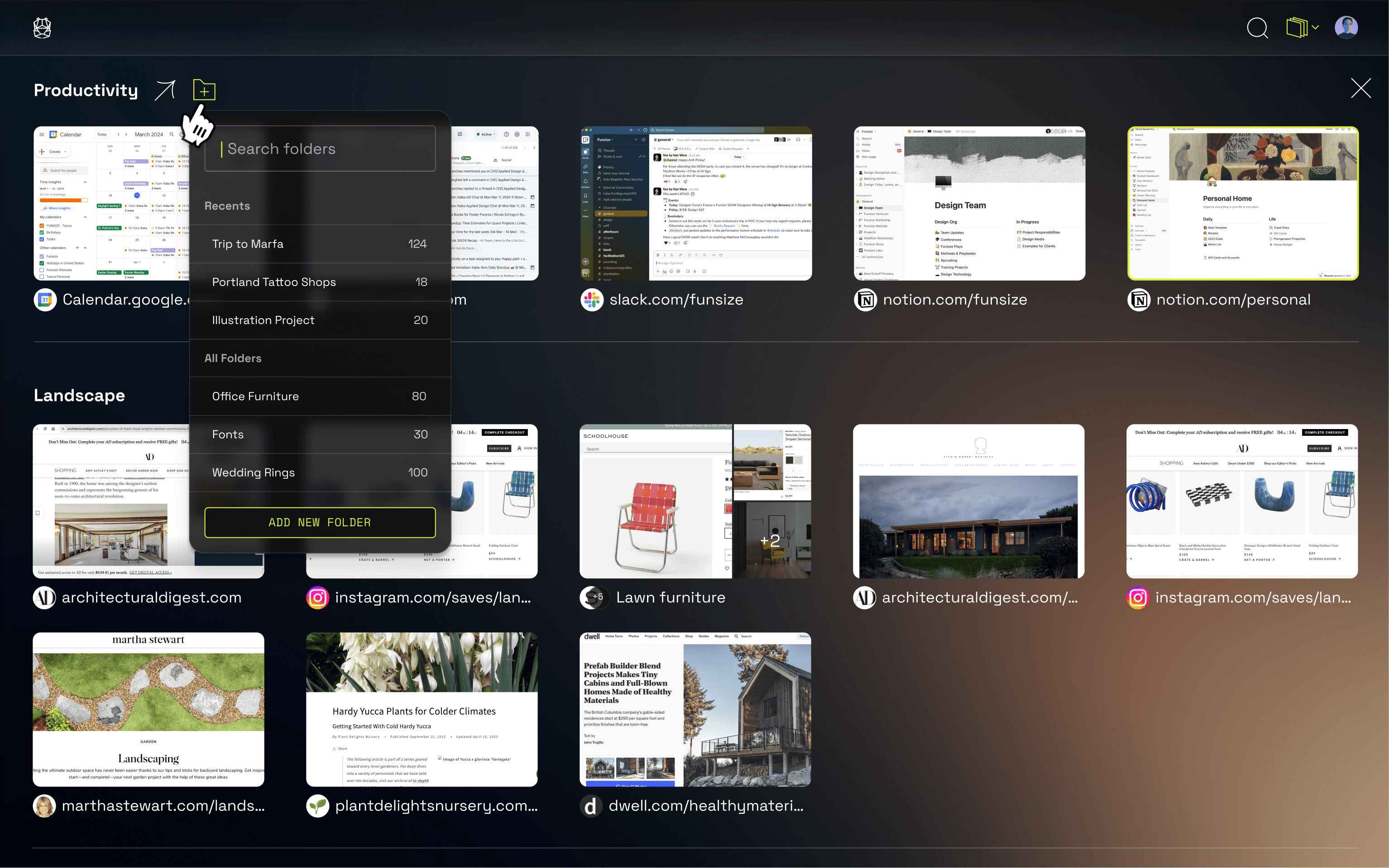
How might we design an AI-native browser that adapts to user intent over time — while remaining intuitive, transparent, and effortless to use?
The Problem
Traditional browsers are optimized for short-term tasks, but they break down when people try to manage information over longer periods of time. Tabs accumulate, windows multiply, and important context is easily lost. Users often rely on workarounds — bookmarking, keeping tabs open indefinitely, or searching repeatedly — to recover information they’ve already encountered. These behaviors signal a deeper gap: the browser does not effectively support how people organize, revisit, and build on information over time. At the same time, introducing AI into the browser raises new challenges. While a personalized model can surface relevant information, it can also feel unpredictable or opaque without clear structure and user control. The challenge was not just adding AI capabilities, but designing a system that made information easier to organize, retrieve, and trust over time.
Key Constraints
Approach
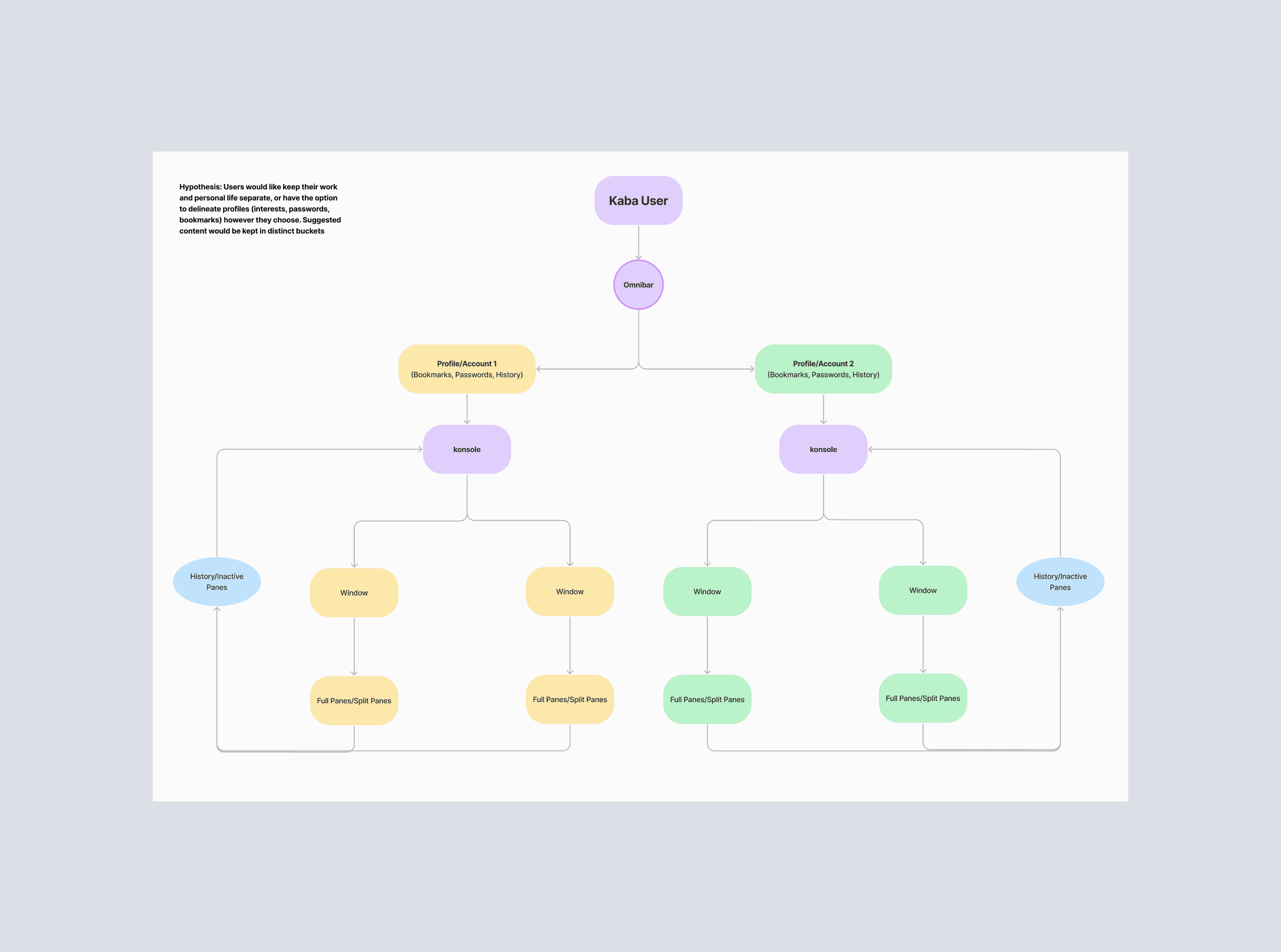
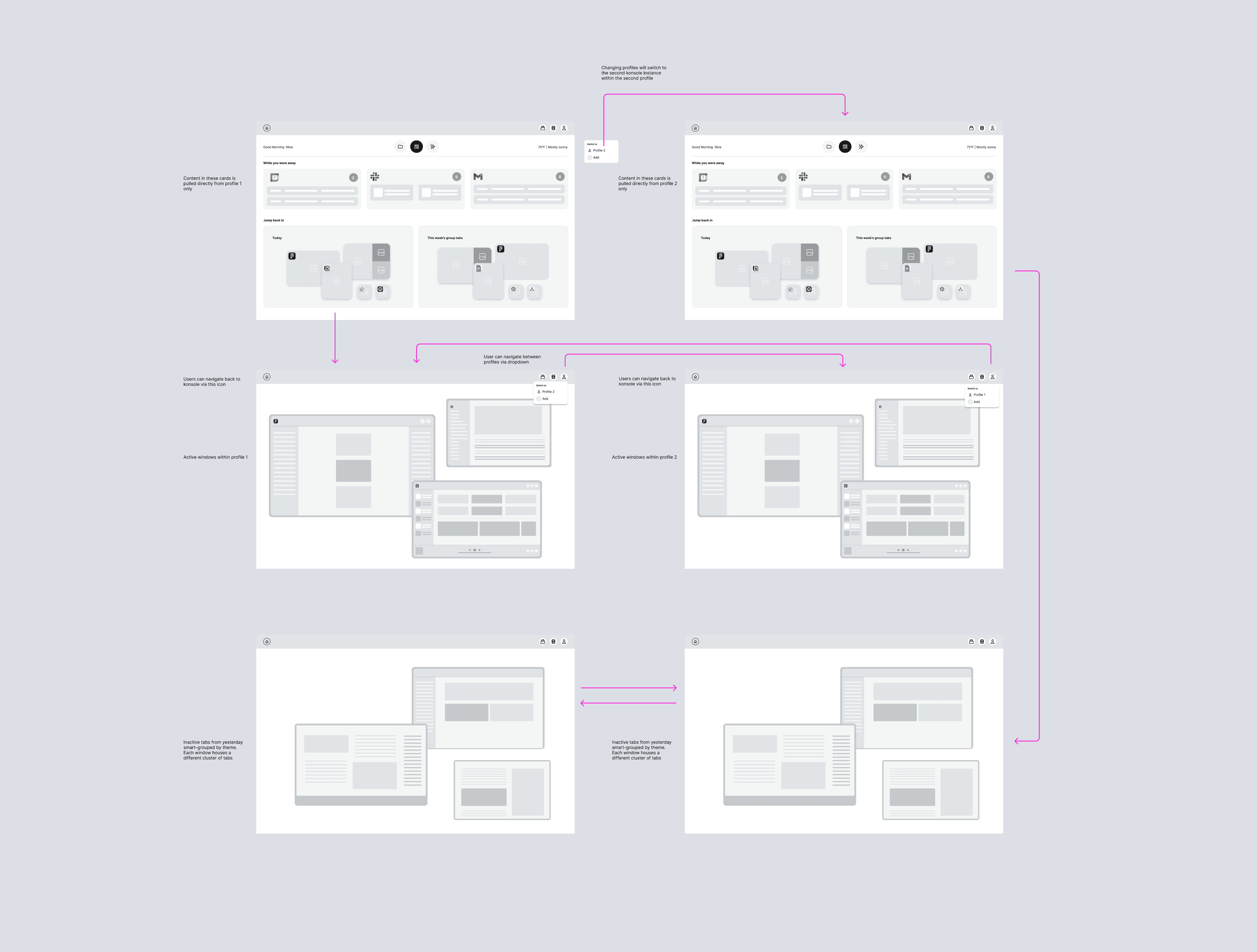
I approached the problem by rethinking core browser primitives — tabs, windows, and navigation — as part of a system for organizing information over time.
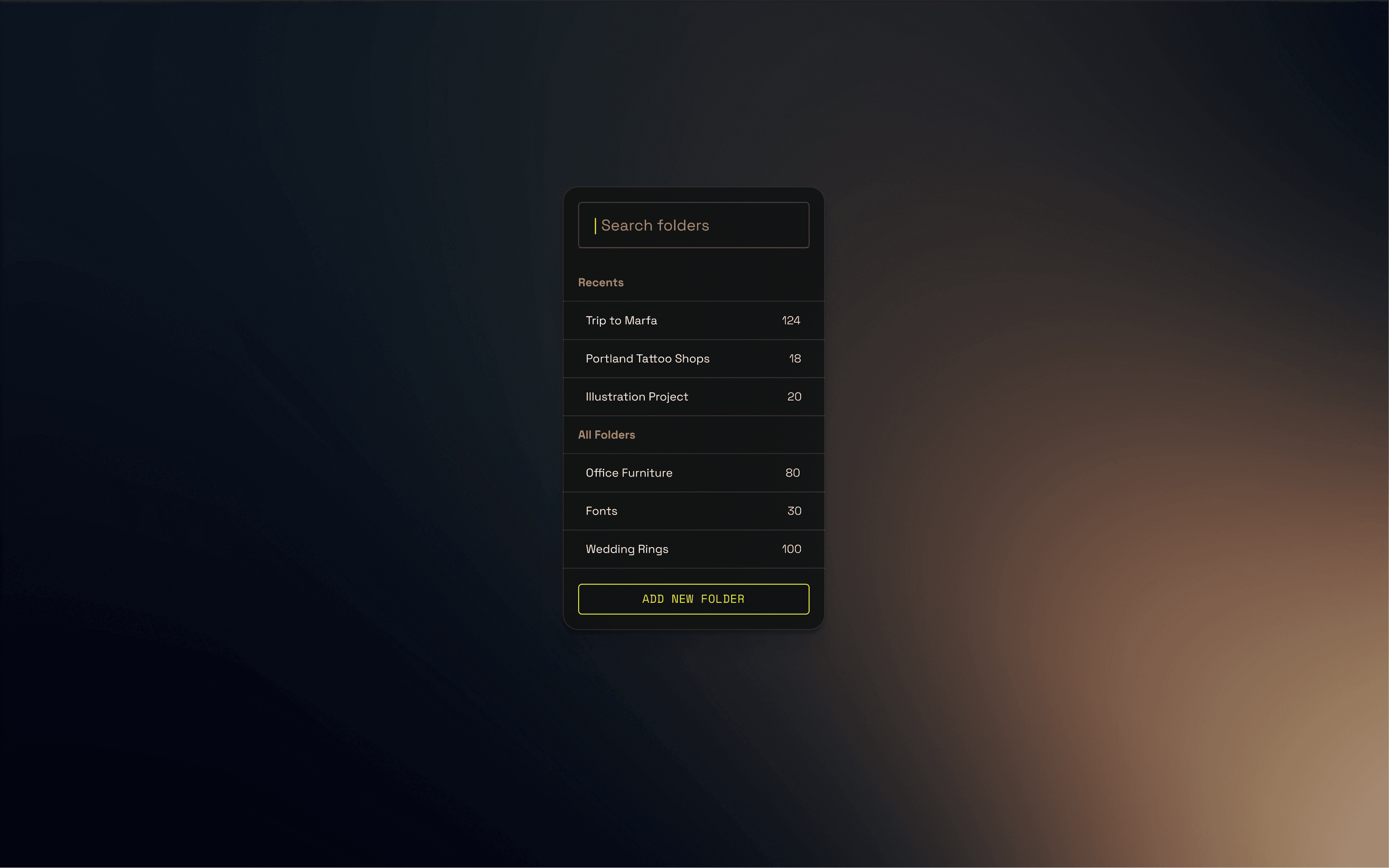
Instead of treating tabs as temporary, I explored how they could become part of a more persistent structure, allowing users to return to information in context rather than relying on memory or repeated search. This led to a centralized space that surfaced relevant information based on activity, recency, and intent.
A key focus was maintaining familiarity while introducing new capabilities. Rather than replacing existing behaviors, the experience extended them — allowing users to work as they normally would while benefiting from AI-supported organization and retrieval.
In parallel, I established the foundation of a UI component library to ensure consistency across interactions and support scalability as the product evolved. This created alignment between design and engineering and enabled reusable patterns as new features were introduced.
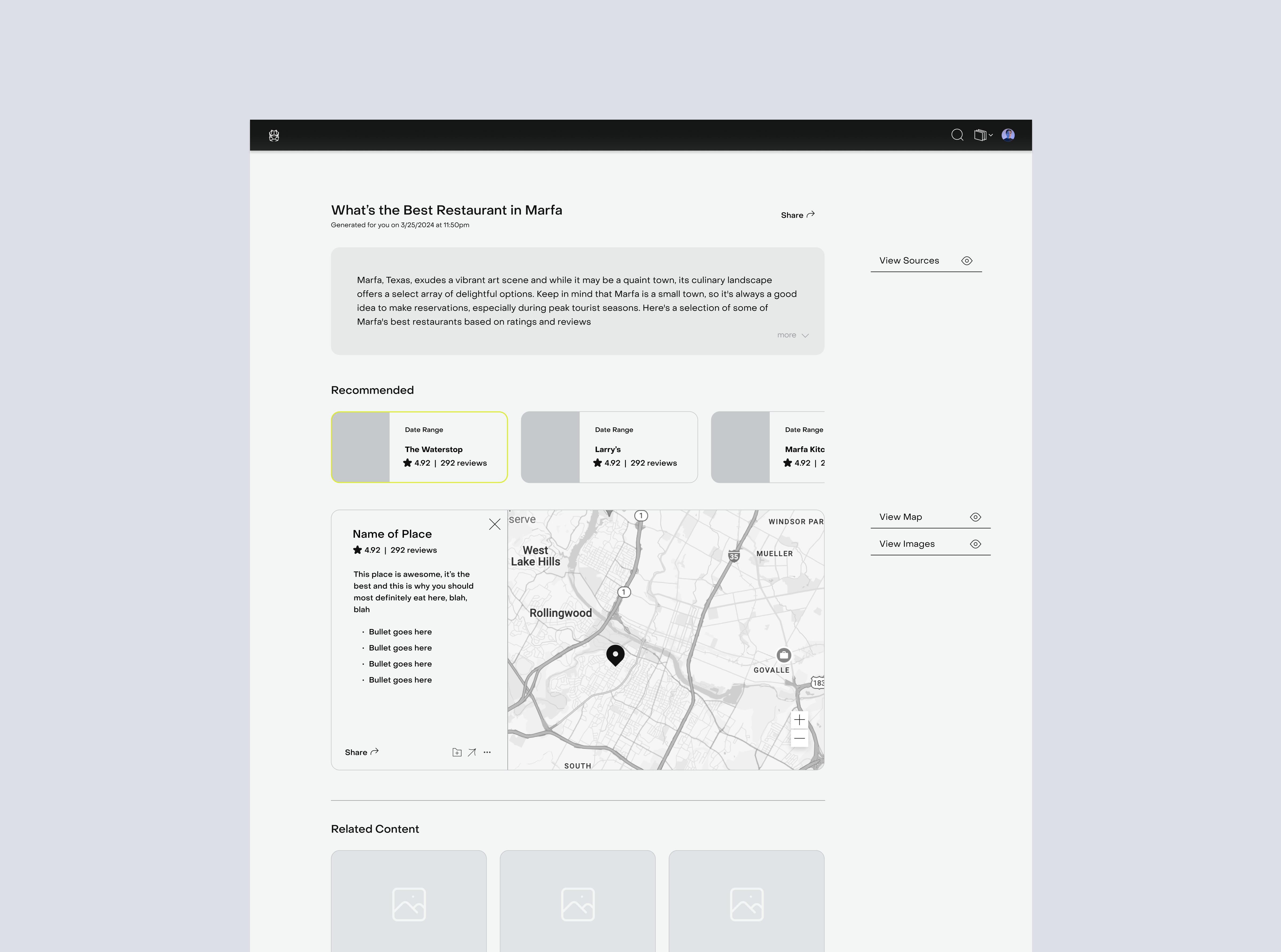
I also explored how AI could surface meaningful connections without overwhelming the user, prioritizing clarity and relevance so users could understand why information was surfaced and how it related to their current context.